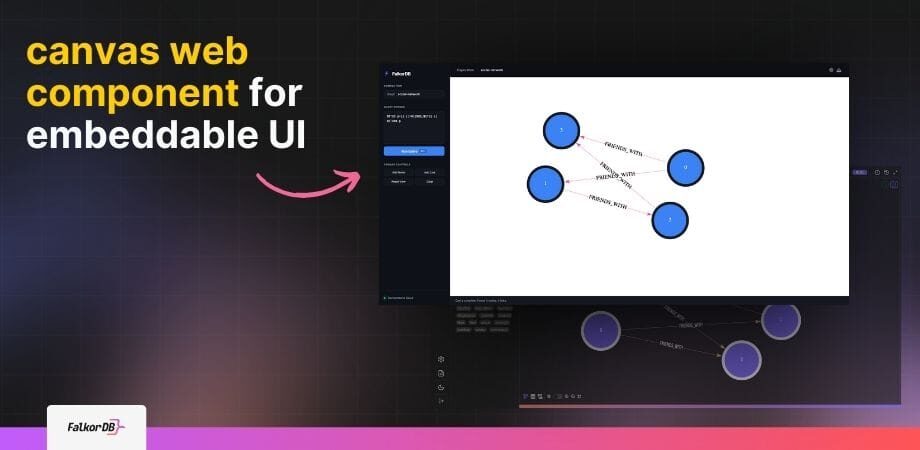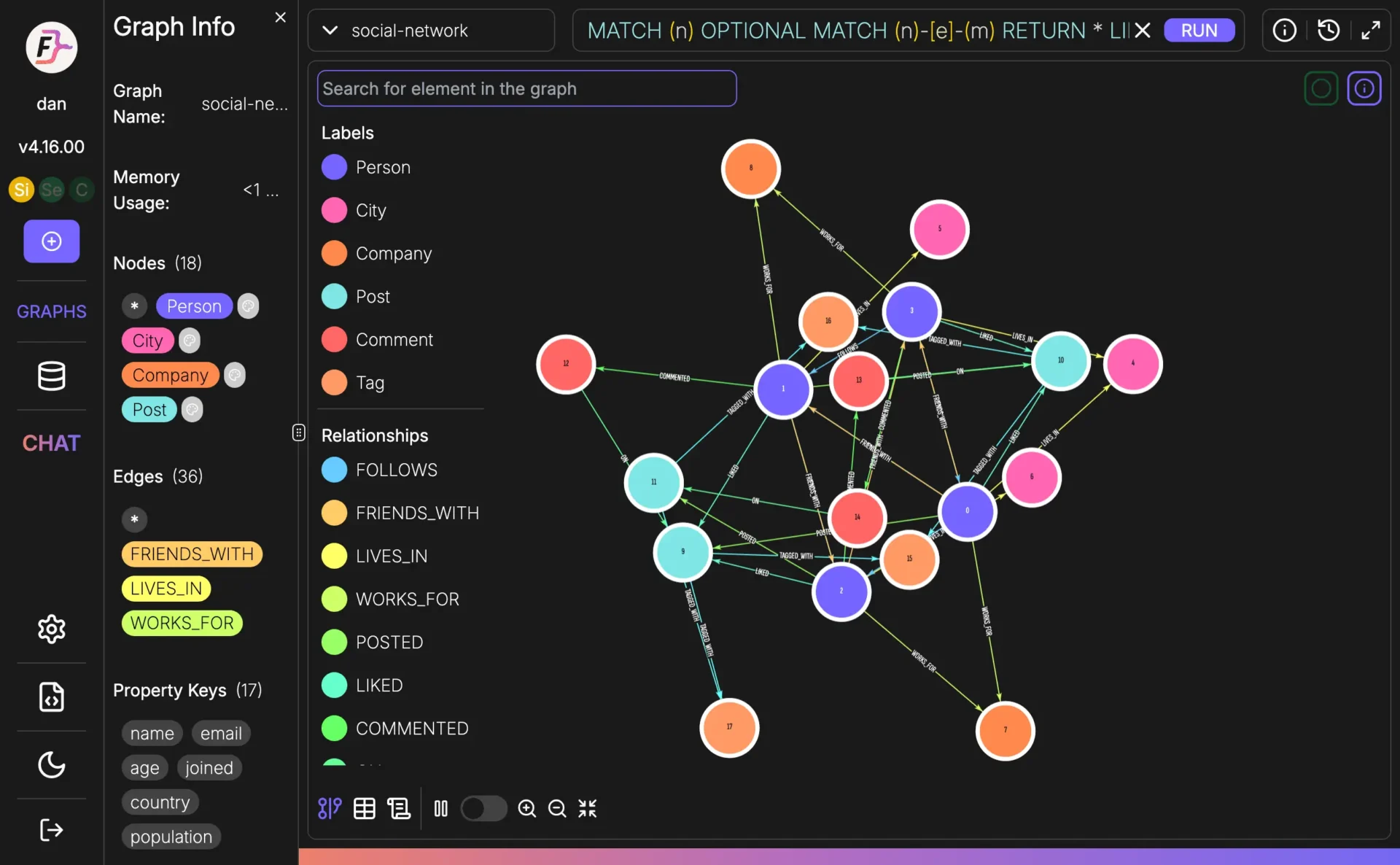
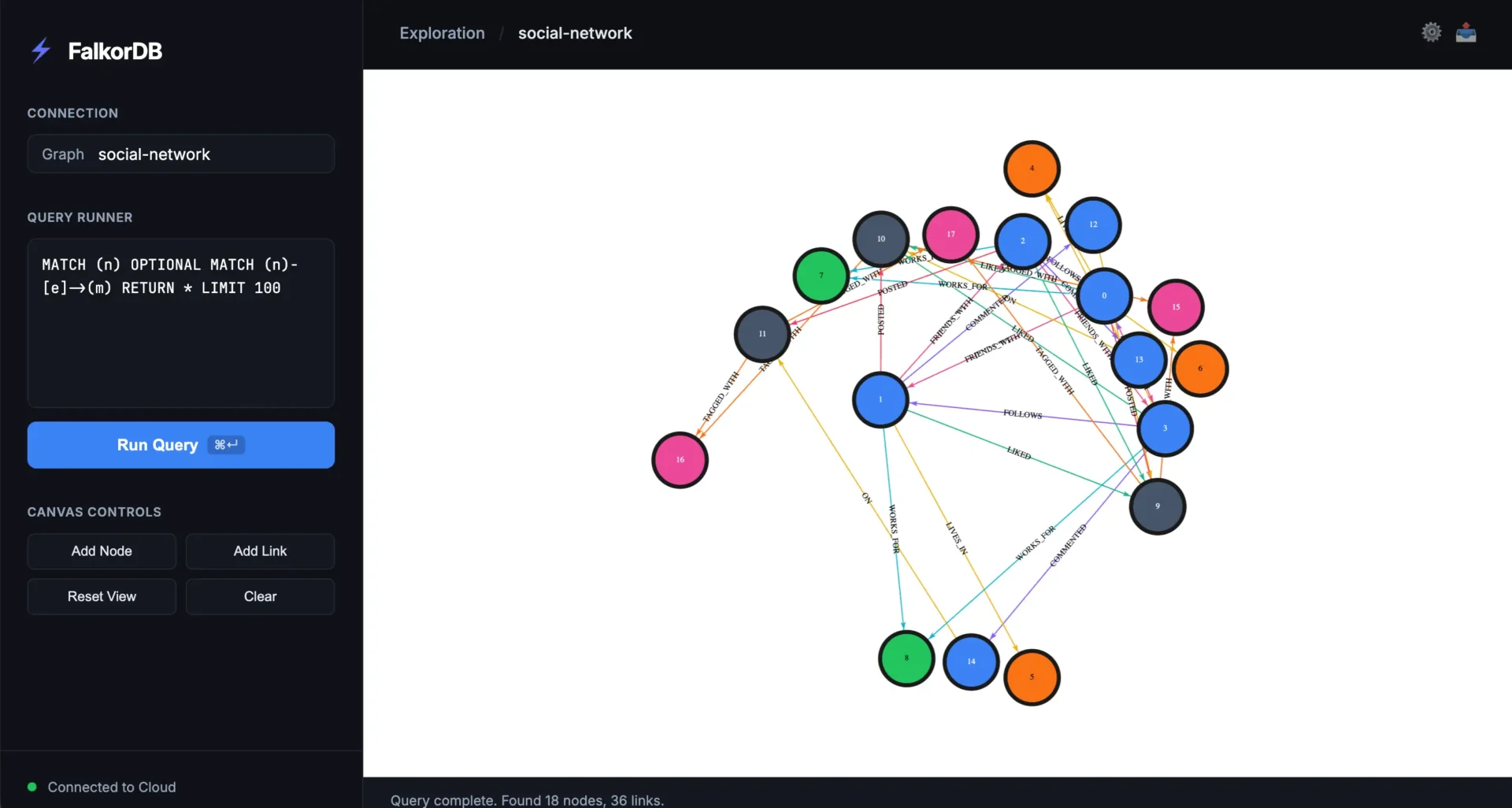
The FalkorDB canvas web component is a browser-based embeddable UI that allows you to render the default browser canvas inside your app, dashboard, documentation, or custom tools. It enables seamless integration of graph visualization where your users already work, not just in a browser tab. View the GitHub repository.
You can install the FalkorDB canvas web component from npm. Follow the step-by-step guide in the README on the GitHub repo for installation and usage instructions.
The FalkorDB canvas web component lets you get the data and render the default browser canvas as a standalone embeddable component, allowing you to place the graph view wherever you need it in your workflow, not just in a browser context.
AI engineers, developers, CTOs, and LLM architects use the FalkorDB canvas web component to embed the canvas in custom UIs and internal tools, enabling flexible graph visualization and workflow integration.
Yes, you can feed data into the FalkorDB canvas web component and control where the default browser canvas shows up in dashboards, docs, and tools, making it highly customizable for your workflow.
Yes, a step-by-step guide is available in the README on the GitHub repository, covering installation and usage instructions.
Yes, the FalkorDB canvas web component can be embedded in third-party apps, allowing you to visualize the same graph in your own UI or workflow.
References and citations are available in the README on the GitHub repository, as well as MDN Web Docs on Web Components and Custom Elements.
Main use cases include embedding graph visualization in custom UIs, dashboards, documentation, and internal tools for product engineers, platform teams, and developer advocates.
Developer advocates and docs owners can use the embeddable canvas to show graph views directly where explanations live, improving clarity and accessibility for users.
FalkorDB offers high-performance graph storage, multi-tenancy (10K+ multi-graphs), open-source licensing, linear scalability, ultra-low latency, optimized AI integrations (GraphRAG & agent memory), and flexible cloud/on-prem deployment. Learn more.
Yes, FalkorDB is optimized for advanced AI use cases such as GraphRAG, agent memory, and chatbots, enabling intelligent agents with real-time adaptability and personalized user experiences.
FalkorDB integrates with frameworks like Graphiti (by ZEP), g.v() for visualization, Cognee for AI agent memory, LangChain and LlamaIndex for LLM integration. See integration details.
Yes, FalkorDB provides a comprehensive API. Access references and guides in the FalkorDB Official Documentation.
Yes, FalkorDB is open source, encouraging community collaboration and transparency. View the GitHub repository.
Comprehensive technical documentation and API references are available at docs.falkordb.com and GitHub Releases.
Yes, FalkorDB supports robust multi-tenancy, enabling over 10,000 multi-graphs and isolated tenant data management in all plans.
FalkorDB offers flexible horizontal scaling and linear scalability, making it ideal for enterprises and SaaS providers managing large-scale, high-dimensional data.
FalkorDB offers four plans: FREE (for MVPs with community support), STARTUP (from /1GB/month, includes TLS and backups), PRO (from 0/8GB/month, includes cluster deployment and high availability), and ENTERPRISE (custom pricing, includes VPC, custom backups, and 24/7 support). See pricing details.
The PRO plan starts at 0/8GB/month and includes advanced features like cluster deployment, high availability, and enhanced support for enterprise-grade solutions.
Yes, you can try FalkorDB for free by launching a cloud instance or running locally via Docker. You can also schedule a demo for a personalized walkthrough. Get a demo.
FalkorDB offers up to 496x faster latency, 6x better memory efficiency, flexible horizontal scaling, and includes multi-tenancy in all plans. Neo4j uses an on-disk storage model and offers multi-tenancy only in premium plans. See detailed comparison.
FalkorDB is open source, supports multi-tenancy, offers highly efficient vector search, and provides better latency performance compared to AWS Neptune, which is proprietary and lacks multi-tenancy. See comparison.
FalkorDB delivers faster latency, better memory efficiency, and flexible horizontal scaling compared to TigerGraph's moderate memory efficiency and limited scaling. Learn more.
FalkorDB demonstrates superior latency and memory efficiency, with flexible horizontal scaling, compared to ArangoDB's moderate memory efficiency and limited scaling. Learn more.
FalkorDB is used for Text2SQL, security graphs (CNAPP, CSPM & CIEM), GraphRAG, agentic AI & chatbots, fraud detection, and high-performance graph storage for complex relationships. Explore use cases.
Developers, data scientists, engineers, security analysts, enterprises, SaaS providers, and organizations managing complex, interconnected data in real-time or interactive environments benefit from FalkorDB.
Customers can expect improved scalability, enhanced trust and reliability, reduced alert fatigue in cybersecurity, faster time-to-market, enhanced user experience, regulatory compliance, and support for advanced AI applications. Learn more.
FalkorDB addresses trust and reliability in LLM-based applications, scalability and data management, alert fatigue in cybersecurity, performance limitations of competitors, interactive data analysis, regulatory compliance, and agentic AI challenges.
Yes, AdaptX uses FalkorDB for clinical data analysis, XR.Voyage for immersive experience platform scalability, and Virtuous AI for ethical AI development. Read case studies.
Industries include healthcare (AdaptX), media and entertainment (XR.Voyage), and artificial intelligence/ethical AI development (Virtuous AI). See case studies.
Customers like AdaptX and 2Arrows have praised FalkorDB for its rapid access to insights, ease of running queries, and frictionless user experience. Read AdaptX's story.
Getting started is straightforward: sign up for FalkorDB Cloud, launch a free instance, run locally via Docker, schedule a demo, or access documentation. Sign up.
FalkorDB enables rapid deployment, allowing teams to go from concept to enterprise-grade solutions in weeks, not months. Get a demo.
Support includes comprehensive documentation, community support via Discord and GitHub, solution architects for tailored advice, and free trial/demo options. Documentation.
Yes, FalkorDB is SOC 2 Type II compliant, meeting rigorous standards for security, availability, processing integrity, confidentiality, and privacy. Learn more.
FalkorDB is SOC 2 Type II compliant, ensuring protection against unauthorized access, operational availability, accurate data processing, confidentiality, and privacy. Learn more.