

You have a social network with ten million users, and someone asks: “Show me all friends-of-friends who also attended the same university and work in the same city.”
In a relational database, that query joins multiple tables, scans millions of rows, and takes seconds, or minutes.
In a graph database, it takes milliseconds. That single difference, the speed of traversing connections, is why graph databases have gone from niche technology to essential infrastructure. Having a graph database explained clearly matters because developers increasingly encounter connected data problems that traditional tools handle poorly. This guide covers the core concepts, compares paradigms, walks through real use cases, and shows you how to get started.
What Is a Graph Database?
A graph database is a purpose-built storage engine that uses graph structures, nodes, edges, and properties, to represent and query data.
Unlike relational databases that organize data into rows and columns, graph databases treat relationships as first-class citizens stored directly on disk alongside the entities they connect.
This architectural choice means the database does not compute relationships at query time through expensive JOIN operations.
Instead, it follows pre-materialized pointers between records, a technique called index-free adjacency.
The result is that traversing from one node to its neighbor costs constant time, regardless of total dataset size.
Graph databases fall under the broader NoSQL database family, but they solve a fundamentally different problem than document stores or key-value caches.
Where document databases optimize for flexible schemas and key-value stores optimize for fast lookups by key, graph databases optimize for exploring connections.
Most graph databases use a query language designed for pattern matching across relationships.
Cypher, originally developed for Neo4j and now adopted by several graph databases including FalkorDB, lets you express complex traversal patterns in readable syntax:
MATCH (a:Person)-[:FRIENDS_WITH]->(b:Person)-[:WORKS_AT]->(c:Company) WHERE c.name = 'Acme' RETURN a, b
That single line finds every person who has a friend working at Acme, no JOINs, no subqueries, no temporary tables.
Graph Databases vs Relational Databases
Relational databases have dominated data storage since the 1970s, and for good reason.
They excel at structured, tabular data with predictable schemas, financial transactions, inventory records, customer profiles.
But their architecture creates friction when the questions you ask are about relationships rather than records.
How Joins Become the Bottleneck
In a relational schema, a many-to-many relationship between “Person” and “Company” requires an intermediary join table.
Querying three degrees of separation, such as “friends of friends of friends”, demands three self-joins on that table, each multiplying the computational cost.
Performance degrades exponentially as hop depth increases.
Graph databases eliminate this problem entirely because each node stores direct references to its neighbors.
Traversal depth barely affects performance, making multi-hop queries not just feasible but fast.
Schema Flexibility
Relational schemas require upfront design.
Adding a new relationship type, say, “MENTORS” between two employees, means creating a new table, writing migration scripts, and updating application code.
In a graph database, you simply create edges with a new label.
No migration, no downtime, no schema lock.
When Relational Still Wins
Graph databases are not universal replacements.
Relational databases remain superior for aggregation-heavy analytics (SUM, AVG across millions of rows), strict ACID compliance with complex transaction isolation, and scenarios where data relationships are flat and predictable.
The right choice depends on your access patterns, if you’re constantly asking “what is connected to what,” a graph database will outperform relational alternatives. If you’re considering making the switch, understanding how to migrate from a relational database to a graph database is a critical first step.
Core Concepts: Nodes, Edges, and Properties, Graph Database Explained
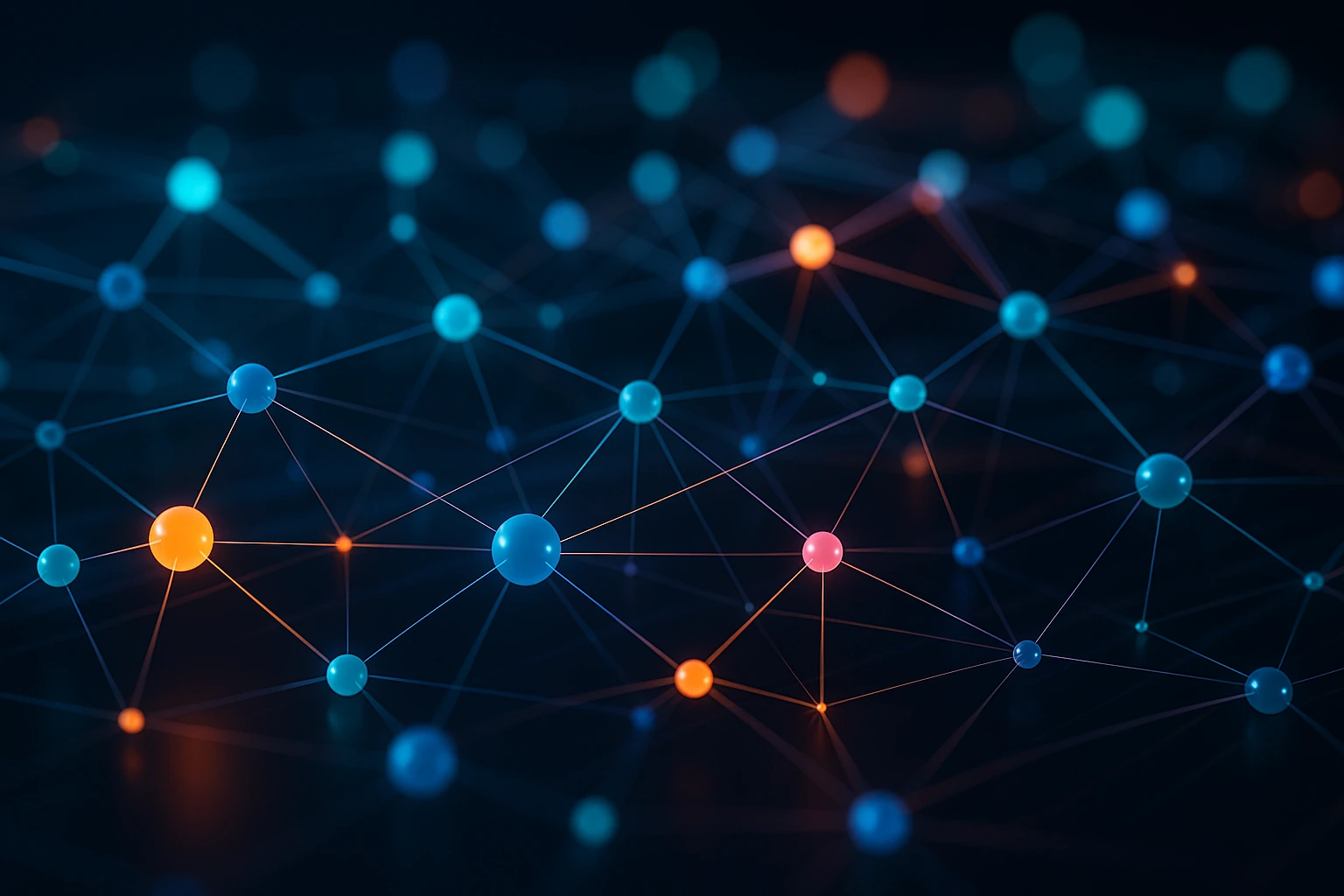
Understanding a graph database explained at its foundation requires grasping three primitives.
Every piece of data in a graph maps to one of these constructs.
Nodes
Nodes represent entities, a person, a product, a server, a document.
Each node carries a label (or multiple labels) that categorizes it.
Think of labels as the equivalent of table names in a relational database: :Person, :Company, :Article.
Edges (Relationships)
Edges connect two nodes and always have a direction and a type.
An edge like (Alice)-[:MANAGES]->(Bob) explicitly captures that Alice manages Bob, not the reverse.
Direction matters because it encodes semantic meaning directly into the data structure.
Edges can also carry their own data, a :PURCHASED edge might store a timestamp and order amount.
Properties
Both nodes and edges hold key-value pairs called properties.
A :Person node might have name: "Alice", age: 34, city: "Berlin".
Properties make the graph queryable, you filter, sort, and aggregate on property values, just as you would with columns in SQL.
Here’s how these three concepts work together in a practical example:
- Node A:
(:Customer {name: "Alice", tier: "premium"}) - Node B:
(:Product {sku: "X100", category: "electronics"}) - Edge:
(Alice)-[:PURCHASED {date: "2026-01-15", amount: 299.99}]->(X100)
This triple, two nodes and one edge, captures the same information that would require three relational tables (customers, products, orders) and a JOIN to reconstruct.
You can use a graph size calculator to estimate memory requirements as your dataset grows.
Common Graph Database Use Cases
Graph databases shine wherever connections between entities carry as much meaning as the entities themselves.
Here are the domains where they deliver measurable advantages over alternatives.
Social Networks and Recommendation Engines
Every social platform, from professional networks to dating apps, models users, posts, likes, and follows as a graph.
Recommendation algorithms traverse these connections in real time: “People who liked this also liked…” becomes a two-hop traversal rather than a batch-computed lookup table.
Fraud Detection
Fraudulent activity often hides in relationship patterns invisible to row-by-row analysis.
A graph query can detect shared phone numbers across accounts, circular money transfers, or synthetic identity rings in milliseconds by identifying suspicious subgraph patterns.
Knowledge Graphs
Organizations use knowledge graphs to unify data from disparate sources into a single connected view.
A pharmaceutical company might link genes, proteins, diseases, clinical trials, and publications into one graph, enabling researchers to discover hidden associations. For a hands-on walkthrough, see how to build a knowledge graph from scratch.
Cybersecurity and Network Topology
Mapping infrastructure as a graph lets security teams visualize attack paths, identify lateral movement risks, and prioritize patching based on connectivity to critical assets.
When every device, user, permission, and vulnerability is a node, graph-powered cybersecurity analysis reveals threats that flat log analysis misses.
Supply Chain and Logistics
Modeling suppliers, warehouses, routes, and products as a graph enables real-time route optimization, bottleneck identification, and impact analysis when a single supplier goes offline.
Why Graph Databases Matter for AI
Large language models (LLMs) are powerful but stateless, they generate responses from parametric knowledge frozen at training time.
Graph databases solve this by providing structured, real-time context that grounds AI outputs in facts.
The architecture known as GraphRAG (Graph Retrieval-Augmented Generation) combines the pattern-matching power of graphs with the generative capability of LLMs.
Instead of retrieving flat text chunks from a vector store, GraphRAG traverses a knowledge graph to pull in contextually connected facts, delivering more accurate and explainable answers.
Here’s why this matters for developers building AI applications:
- Reduced hallucination: The graph provides verified relationships as evidence, constraining the LLM’s output to factual territory.
- Multi-hop reasoning: Questions like “Which drugs interact with medications prescribed for condition X?” require traversing several relationship types, graphs handle this natively.
- Explainability: Every answer can cite the exact path of nodes and edges used to derive it, creating an audit trail impossible with vector-only retrieval.
- Dynamic updates: New knowledge is added as nodes and edges in real time, without retraining or re-embedding.
AI agents also benefit from graph-based memory systems that persist context across sessions, enabling agents to recall prior interactions and reason about long-term goals.
The difference between vector search and graph traversal is fundamental, understanding vector databases vs graph databases helps you choose the right tool (or combine both) for your AI pipeline.
Getting Started with FalkorDB
FalkorDB is an open-source graph database built on an in-memory architecture optimized for low-latency traversal.
It uses the Cypher query language, runs as a Redis module, and supports multi-tenancy out of the box.
Here’s how to go from zero to running queries in minutes.
- Install via Docker: Run
docker run -p 6379:6379 -it --rm falkordb/falkordb:latestto spin up a local instance. - Connect a client: FalkorDB provides client libraries for Python, Node.js, Java, Go, and Rust. Install the Python client with
pip install falkordb. - Create your first graph: Use Cypher to create nodes and edges:
GRAPH.QUERY myGraph "CREATE (:Developer {name:'Alice'})-[:CONTRIBUTES_TO]->(:Project {name:'Apollo'})". - Query relationships:
GRAPH.QUERY myGraph "MATCH (d:Developer)-[:CONTRIBUTES_TO]->(p:Project) RETURN d.name, p.name". - Explore the browser UI: FalkorDB includes a visualization tool that renders your graph interactively, invaluable for debugging and schema exploration.
For cloud deployment, you can try FalkorDB free with managed instances on AWS and GCP, no infrastructure setup required.
FalkorDB’s sub-millisecond query latency makes it particularly well-suited for AI workloads where response time directly impacts user experience.
Its sparse adjacency matrix implementation processes graph operations faster than traditional adjacency-list approaches, a measurable advantage when traversing large knowledge graphs for GenAI applications.
Frequently Asked Questions
What is a graph database explained in simple terms?
A graph database stores data as entities (nodes) and the connections between them (edges), making relationship queries extremely fast.
- Think of it like a whiteboard diagram where circles represent things and arrows represent how they relate.
- Unlike spreadsheets or SQL tables, the links between data points are stored directly, not computed at query time.
- This makes graph databases ideal for any domain where connections matter, social networks, fraud detection, and recommendation engines.
- You can deploy a graph database locally or in the cloud to start experimenting immediately.
When should I use a graph database instead of a relational database?
Use a graph database when your queries primarily explore relationships between entities rather than aggregating rows.
- If you frequently write queries with multiple JOINs or recursive CTEs, a graph database will likely perform better.
- Applications involving pathfinding, network analysis, or real-time recommendations are natural fits.
- For flat, tabular data with heavy aggregation (e.g., financial reporting), relational databases remain the better choice.
- Learn the practical steps to migrate from relational to graph if your use case demands it.
How do graph databases improve AI applications?
Graph databases provide structured, relationship-rich context that reduces hallucination and enables multi-hop reasoning in AI systems.
- GraphRAG pipelines use graph traversal instead of flat text retrieval to ground LLM responses in verified facts.
- Knowledge graphs built on graph databases give AI agents explainable reasoning paths.
- Updates to the knowledge base take effect immediately without retraining or re-embedding.
- Explore how to implement a complete GraphRAG workflow with FalkorDB and LangChain.
Is FalkorDB compatible with Cypher queries from Neo4j?
FalkorDB supports a Cypher-compatible query language, so most standard Cypher queries work without modification.
- Core pattern-matching syntax, MATCH, WHERE, RETURN, CREATE, MERGE, is fully supported.
- Some advanced or proprietary Neo4j extensions may require minor adaptation.
- FalkorDB’s in-memory engine often delivers faster query execution for traversal-heavy workloads, see FalkorDB vs Neo4j benchmarks for detailed comparisons.
- Migration from Neo4j typically involves exporting to CSV and importing via FalkorDB’s LOAD CSV feature.
What programming languages does FalkorDB support?
FalkorDB provides official client libraries for the most popular programming languages used in backend development.
- Supported languages include Python, Node.js, Java, Go, and Rust.
- The Python client integrates seamlessly with AI/ML frameworks like LangChain and LlamaIndex.
- All clients communicate via the Redis protocol, so any Redis-compatible driver can also be used as a fallback.
- Check the free cloud tier to test client integration without local setup.
How do I reduce costs when using graph databases for AI indexing?
Optimizing your graph schema, query patterns, and indexing strategy can significantly lower both compute and storage costs.
- Create indexes on frequently filtered node properties to avoid full graph scans.
- Use parameterized queries to leverage query caching and reduce parsing overhead.
- Batch node and edge creation during bulk loads rather than inserting one at a time.
- Review strategies for reducing GraphRAG indexing costs specific to knowledge graph workloads.
From Connections to Decisions: Your Next Step with Graph Databases
Having a graph database explained clearly removes the biggest barrier to adoption, the misconception that graph technology is complex or niche.
It is neither.
Graph databases solve a universal problem: making sense of connected data at speed.
Whether you’re building a recommendation engine, securing a network, or grounding an AI system in structured knowledge, the graph model maps naturally to how information actually relates in the real world.
The core concepts, nodes, edges, properties, take minutes to learn.
The tooling is mature, Cypher is readable, and open-source options like FalkorDB mean you can go from docker run to executing traversal queries in under five minutes.
Start small: model one domain problem as a graph, load it into FalkorDB, and run the queries that would have required three JOIN statements in SQL.
The performance difference will make the case for you.
