



10 Top Python Graph Libraries: A 2026 Guide
You’re staring at a graph-shaped problem, and the first choice is already awkward. The data looks relational, the team wants answers fast, and someone has asked whether the right move is a quick NetworkX prototype, a GPU-backed path, or a library built for graph neural networks. That’s the core Python graph libraries decision: not “which library is best,” but which workload are you serving.
Python’s graph ecosystem is broader than a single package category. The official Python Wiki separates graph/network tools from charting libraries, and that distinction matters because graph work spans analysis and machine learning rather than simple numeric plotting (Python Graph Libraries wiki). In practice, the tooling splits more usefully into workload layers, with NetworkX for general analysis, high performance options such as igraph, graph-tool, and NetworKit for larger analytics jobs, and PyTorch Geometric plus DGL for graph ML. If you’re also building production retrieval or agent workflows, a persistent graph database such as FalkorDB can sit underneath the Python layer and keep the graph available beyond one notebook session.
Table of Contents
1. NetworkX
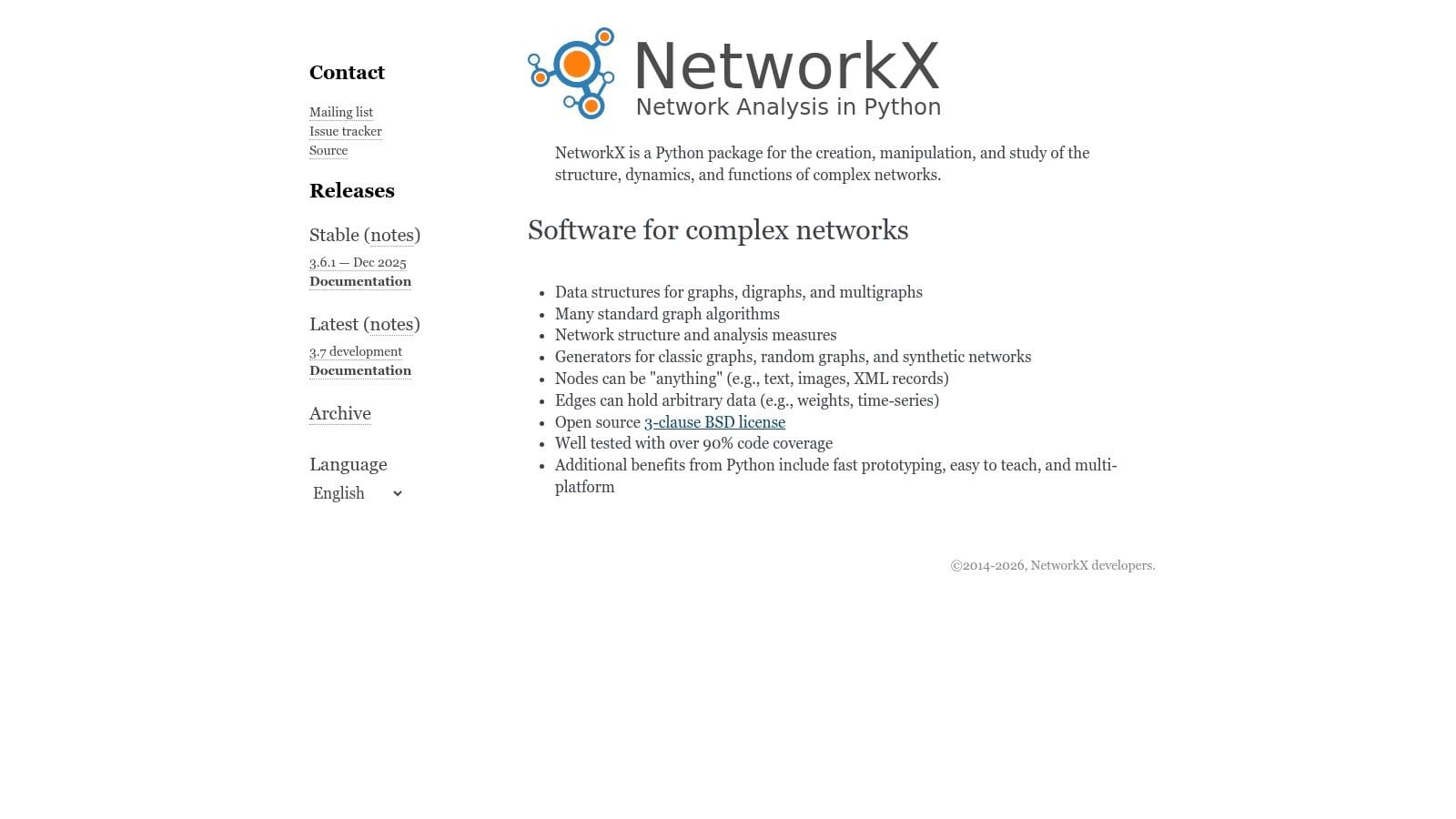
NetworkX is the default starting point for most Python graph work because it feels like Python, not a wrapper around someone else’s API. Its graph objects are easy to inspect, mutate, and pass around, which makes it the best choice for prototyping, teaching, and smaller production jobs where readability matters more than raw throughput.
It is worth being precise about what NetworkX is for, because the word “graph” is overloaded in Python. NetworkX is for relationships, traversal, centrality, flow, shortest paths, community detection, bipartite analysis, and planarity. It is not a charting library, and if you arrived looking for bar-and-line plots you want Matplotlib or Seaborn instead. That distinction sounds pedantic until you watch a team install the wrong package.
Where NetworkX works best
Use it when you need to move fast and stay clear. The API is readable enough that another engineer can open your notebook six months later and understand what the graph code is doing. It also plays well with pandas, NumPy, SciPy, and common graph file formats, so it fits naturally into exploratory data work.
What you pay for that is speed. NetworkX runs in pure Python, so large graphs will feel slow on CPU-bound workloads. In current 3.x releases, backend support can accelerate some algorithms without forcing a rewrite, and that matters when you want to keep the same code path but offload work to a faster backend (NetworkX backends reference, NetworkX PyPI).
Practical rule: grab NetworkX first unless you already know the graph is too large for pure Python. If it becomes a bottleneck, the code you wrote in NetworkX usually becomes the specification for your faster implementation.
If you’re comparing Python graph libraries for the first time, NetworkX is still the safest baseline because it teaches you the problem before you optimize the runtime.
2. python-igraph
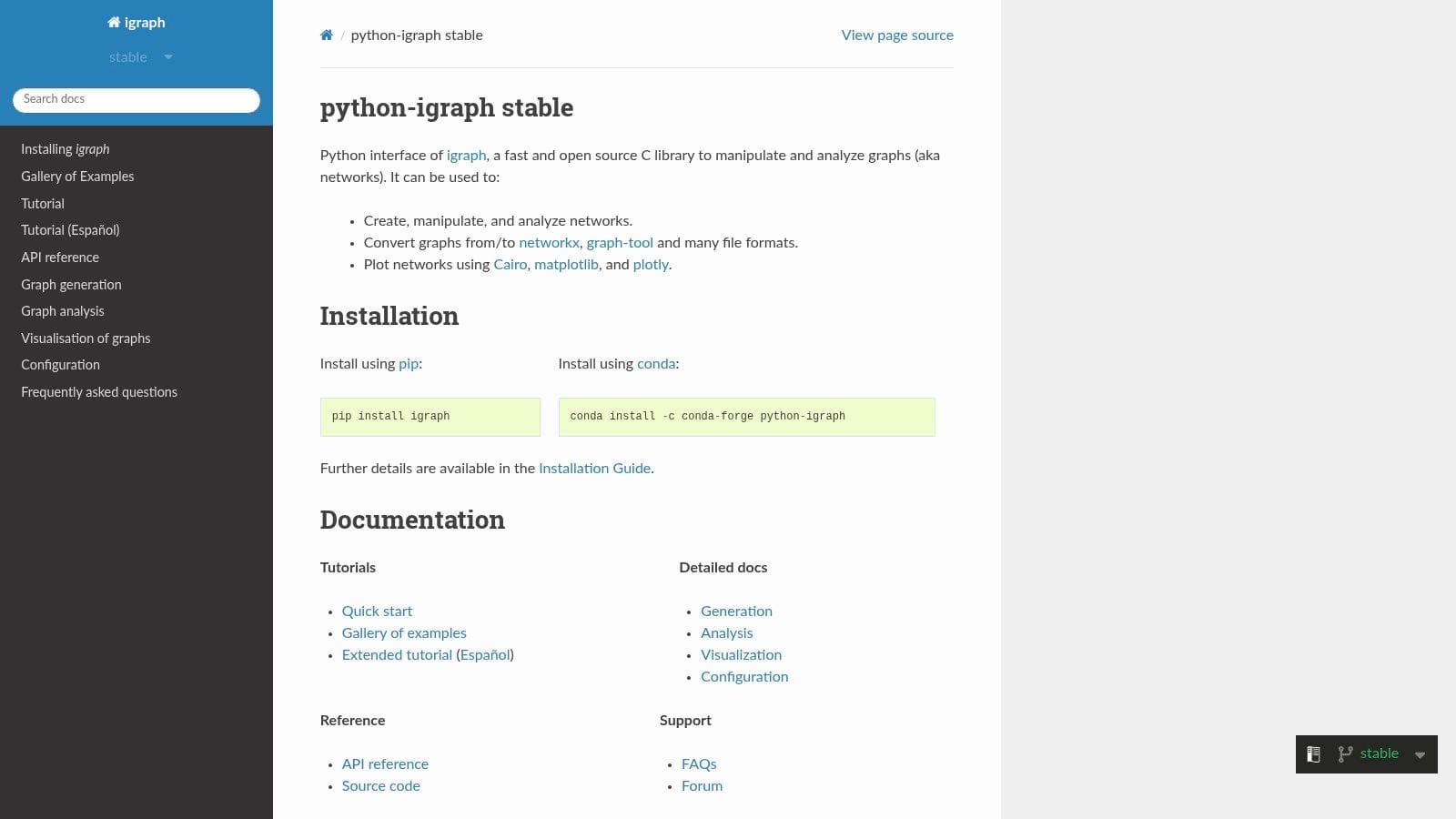
python-igraph is what many practitioners reach for when NetworkX starts feeling heavy and the job is still classic graph analysis rather than graph ML. It wraps the igraph C core, so the speed and memory behavior are usually much better than pure-Python approaches for common algorithms.
That matters for network science work where you want clustering, centrality, flows, motifs, and layouts without paying Python-level overhead on every operation. The package also supports integrated plotting when the full stack is installed, which makes it convenient for quick diagnostics and research workflows (PyPI: igraph, python-igraph docs).
Why teams switch to igraph
The main reason is performance with a familiar analytical surface. You still get a Python API, but the engine underneath is compiled, so large traversals and repeated computations tend to behave more like a systems library than a notebook helper. For teams that are doing frequent graph experiments, that difference shows up quickly in iteration speed.
The downside is that the ergonomics are less “Pythonic” than NetworkX for some users. Installation can also be less smooth if your environment needs system packages such as Cairo for plotting. That means igraph is a strong choice when you care about efficiency and mature algorithms, but less ideal if your team values a very lightweight, batteries-included feel.
Good fit, bad fit
-
Good fit: network science, scientific analysis, and workflows where you want more speed than NetworkX without jumping to a specialized parallel toolkit.
-
Bad fit: teams that need the most approachable API possible, or environments where system dependencies are hard to manage.
-
Good fit: medium-to-large graphs that still live comfortably in memory.
-
Bad fit: deep learning pipelines, where the graph library is just one piece of a larger ML stack.
If your graph work is still primarily analytical, python-igraph is often the cleanest upgrade path after NetworkX.
3. graph-tool
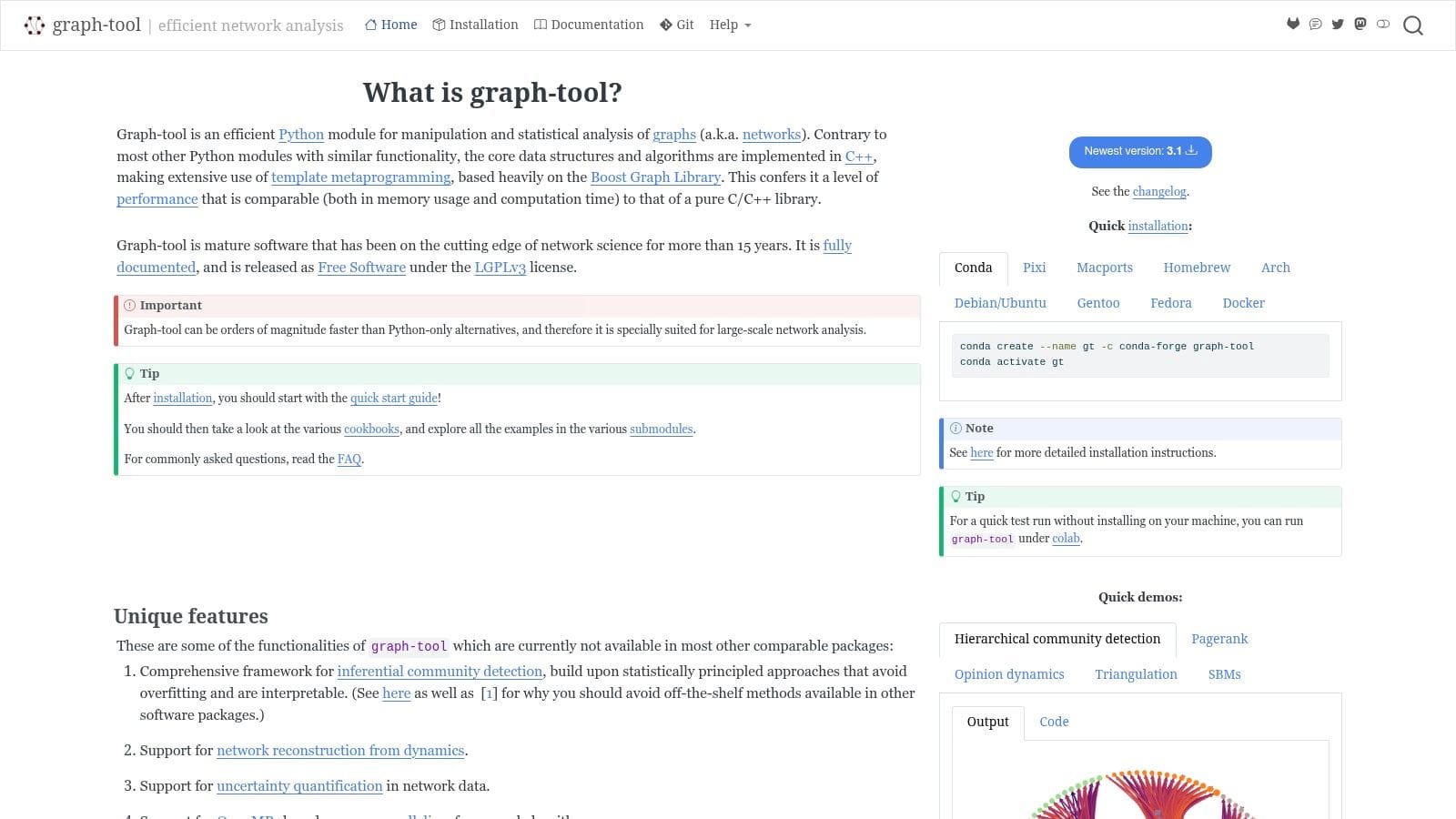
graph-tool is the library you reach for when the graph size and the analytics depth both start to matter. It’s built on a C++/Boost Graph Library foundation and is known for very fast algorithms, memory-efficient structures, and statistical inference features that go beyond what most general-purpose Python graph libraries offer.
That combination makes it especially attractive for heavy network analysis. If you’re doing work like stochastic block models, inference-heavy community analysis, or large-scale structural exploration, graph-tool can feel much closer to a research-grade engine than a convenience wrapper (graph-tool docs, graph-tool install docs).
The cost is getting it installed at all. Compiled dependencies can make onboarding slower, and the API surface is less friendly than NetworkX for quick experimentation. That’s not a flaw, it’s a design choice. graph-tool favors throughput and statistical depth over ease of first use.
When graph-tool earns its keep
Use it when your graph analysis is no longer a side task. If your workflow depends on fast repeated computation over substantial graphs, graph-tool belongs on the shortlist. It’s also a practical fit when you want more advanced inference capabilities built into the same environment as your analysis code.
Practical rule: if the graph is big enough that you’re thinking about memory layout, graph-tool is probably worth the setup pain.
The library is less appealing for teams that need a broad tutorial ecosystem or lots of high-level convenience functions. In those cases, NetworkX or python-igraph usually lowers the coordination cost. graph-tool is the specialist’s choice, not the default.
4. NetworKit
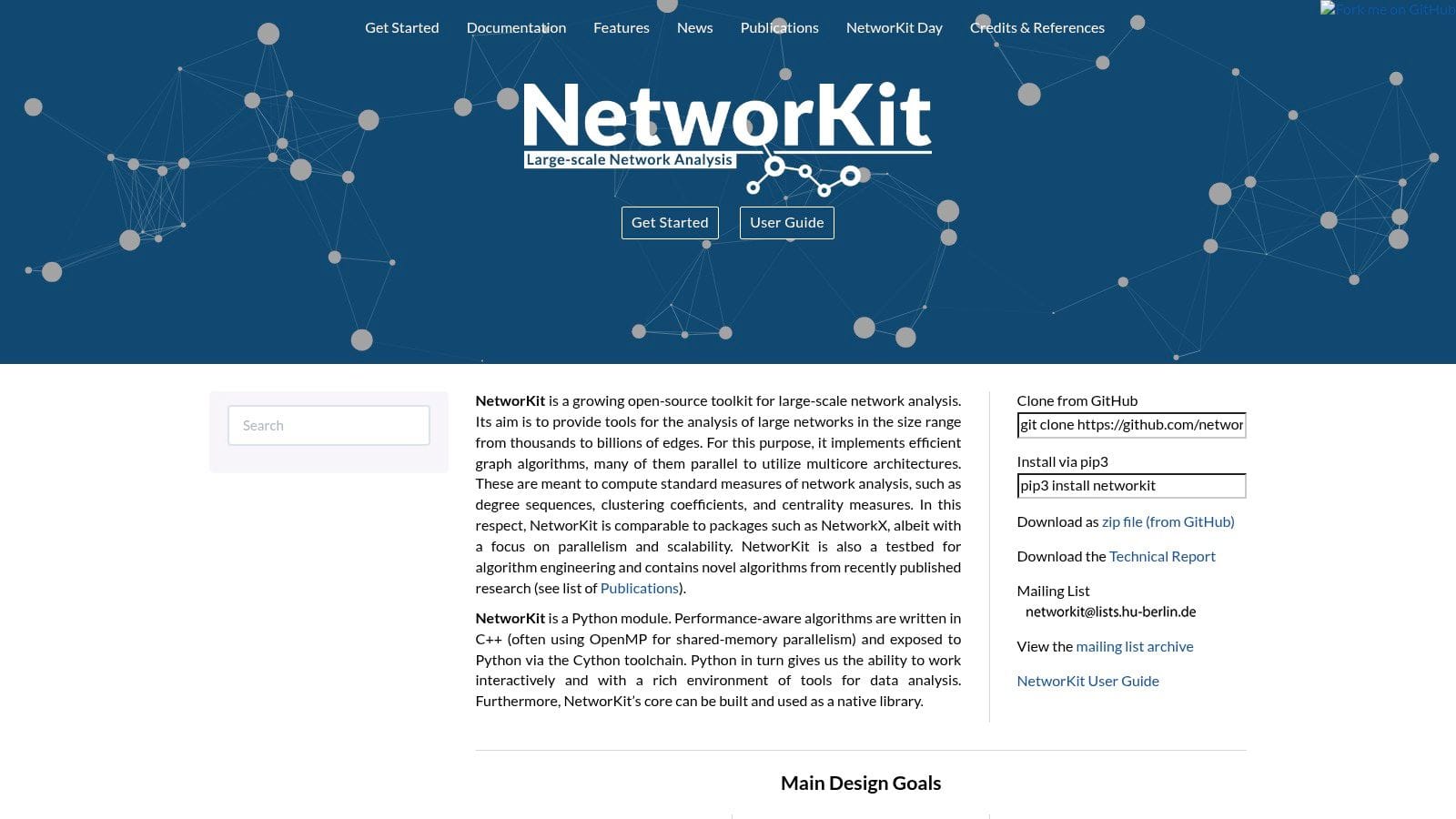
NetworKit sits in the high-performance analytics tier. It was built for large-scale network analysis with a C++ core and a Python front end, which makes it a strong fit when you’ve outgrown the comfort zone of pure-Python graph manipulation but still want Python as the control layer.
The practical advantage is parallelism. On multi-core CPUs, NetworKit’s algorithms can be much faster than a Python-only workflow, especially for centrality, community detection, link prediction, and connectivity tasks. That speed matters when you’re repeatedly running the same graph operations during exploratory analysis or pipeline validation (NetworKit docs, PyPI: networkit).
What NetworKit gives you
It feels narrower than NetworkX, but that’s the point. The library focuses on performance-oriented graph analytics and does it with a cleaner operating profile than some heavier frameworks. If your team is analyzing large networks and doesn’t need a big visualization layer inside the same package, NetworKit is a sensible middle ground.
Where it gives ground is ecosystem size. You get fewer tutorials, fewer examples in the wild, and less “what do I do next?” support than NetworkX. That means it’s better for teams who already know what they’re trying to measure.
For a practitioner, the decision is simple. If the graph is large, the algorithms are standard, and the bottleneck is CPU time, NetworKit is usually the more honest choice than trying to stretch a pure-Python library past its comfort zone.
5. python-graphblas
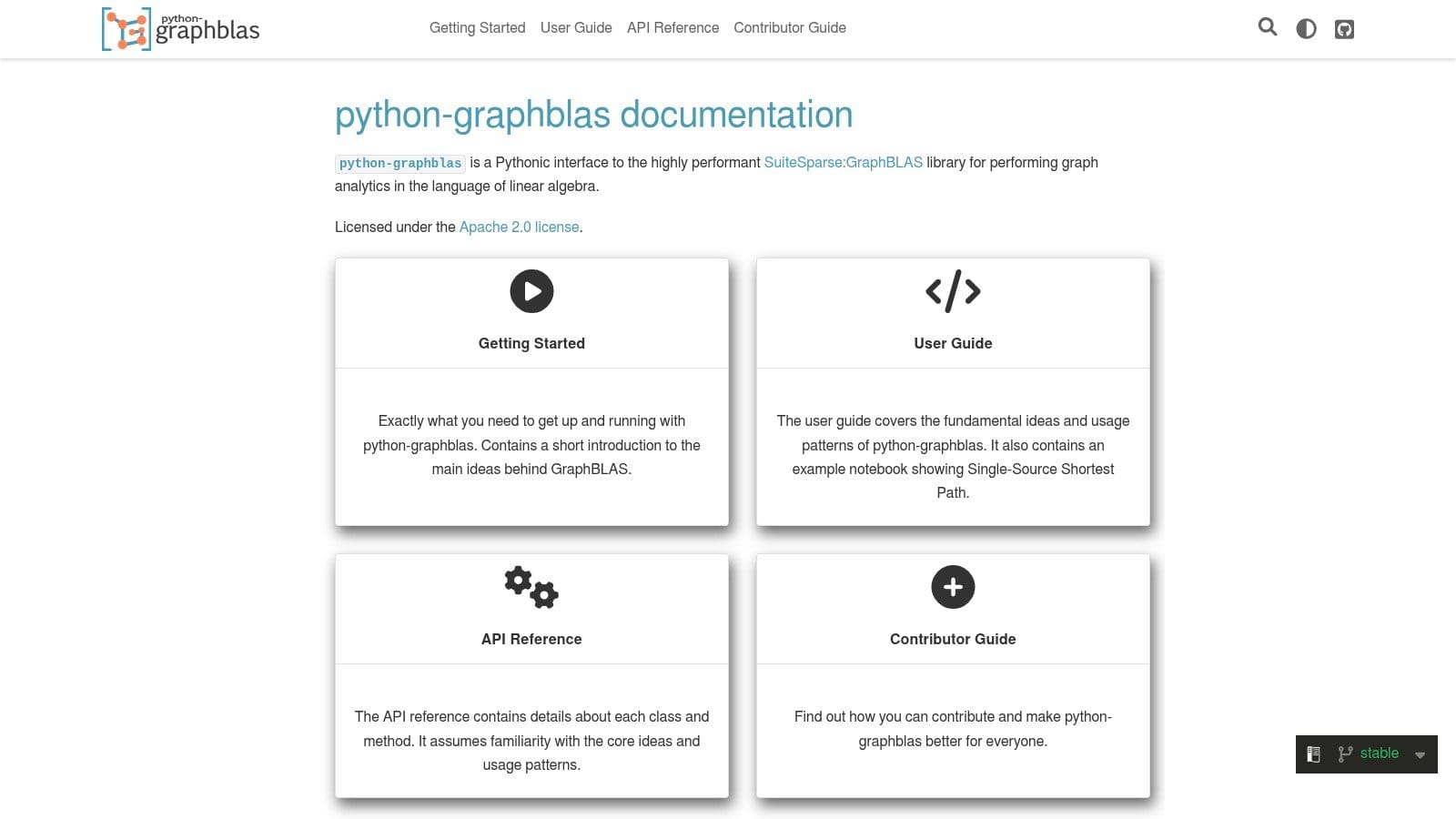
python-graphblas is the pick for teams that think about graph algorithms as sparse linear algebra. It exposes the GraphBLAS model in Python, which makes it a strong fit for workloads built around matrix-based traversal, similarity, and large sparse computations.
The most practical reason to care is that python-graphblas is not only a standalone tool. Through graphblas-algorithms, it can serve as a sparse linear algebra backend for NetworkX, which gives teams a path to keep familiar NetworkX-style workflows while dispatching supported operations to a GraphBLAS engine. That makes its role easier to understand because it parallels the value proposition of nx-cuGraph in Section 7, except the acceleration path here is sparse matrix computation rather than GPU execution (python-graphblas GitHub, graphblas-algorithms PyPI).
Its appeal is not beginner ergonomics. The appeal is that many graph problems map cleanly onto sparse matrix operations, and GraphBLAS implementations can execute those operations efficiently. For engineers and researchers already comfortable with that mental model, python-graphblas offers a precise and scalable way to express graph work.
Where python-graphblas fits
python-graphblas fits best when the graph is large, sparse, and algorithmically regular enough to benefit from a linear-algebra-first approach. It can be an excellent choice for repeated kernels, custom graph algorithms, and pipelines where sparse matrix math already dominates the stack.
Version cadence matters here. python-graphblas is at 2025.2.0 from February 2025, while graphblas-algorithms has not shipped a new release since October 2023. That does not make the stack unusable, but it does mean teams should treat it as a capable specialist option rather than assume the same release tempo they would get from a faster-moving mainstream Python package (python-graphblas GitHub, graphblas-algorithms PyPI).
The cost is accessibility. If your team wants a graph object model with friendly node and edge manipulation, NetworkX, igraph, or rustworkx will feel more natural. GraphBLAS asks you to think at a lower level of abstraction, but that is exactly why it can scale well for the right class of problems. It is also the foundation we build on at FalkorDB: both python-graphblas and FalkorDB sit on SuiteSparse:GraphBLAS, the reference implementation of the standard. That means the mental model transfers directly. If you prototype a traversal as a sequence of masked matrix-vector products in Python, you are reasoning about the same primitives our query engine executes underneath Cypher.
If you want a maintained 2026 option for high-performance graph computing in Python, python-graphblas is a strong shortlist candidate for sparse, matrix-first workloads, especially when the GraphBLAS mental model already fits the rest of your system.
6. rustworkx
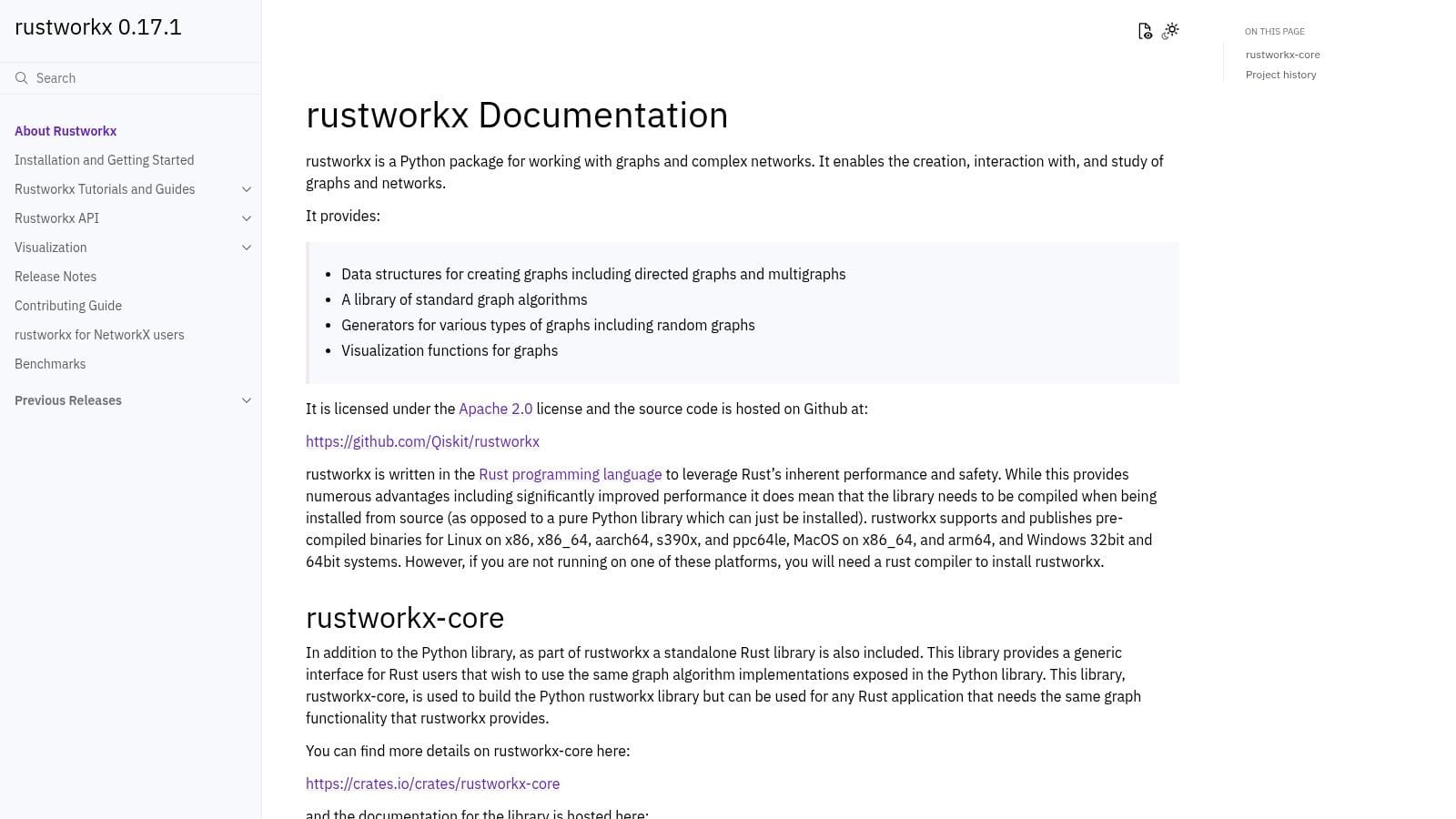
rustworkx is a strong option for teams that want better performance than pure Python without jumping all the way into a heavy research framework. Built on Rust, it offers graph data structures and algorithms that feel approachable from Python while improving speed and memory behavior for many common operations.
One reason rustworkx stands out is its balance. It is often easier to install and work with than some compiled C++ graph libraries, but it still gives you a meaningful performance lift over NetworkX for traversal, shortest paths, and structural analysis tasks. That makes it useful in production Python applications where graph operations are part of a larger system, not just an isolated notebook experiment (rustworkx docs, PyPI: rustworkx).
Where rustworkx fits best
Pick rustworkx when you want a pragmatic upgrade path. It works well for developers who like the flexibility of Python but need a faster core for repeated graph operations. It is especially appealing in engineering-heavy environments where predictable packaging and runtime behavior matter.
The limitation is scope. rustworkx is not trying to be the deepest network-science toolkit or a graph neural network framework. It is best viewed as a performance-oriented general graph library, especially for teams that want familiar programming ergonomics with a faster engine underneath.
If your project sits between easy prototyping and high-performance production code, rustworkx is often one of the most sensible libraries to evaluate early.
7. RAPIDS cuGraph + nx-cuGraph
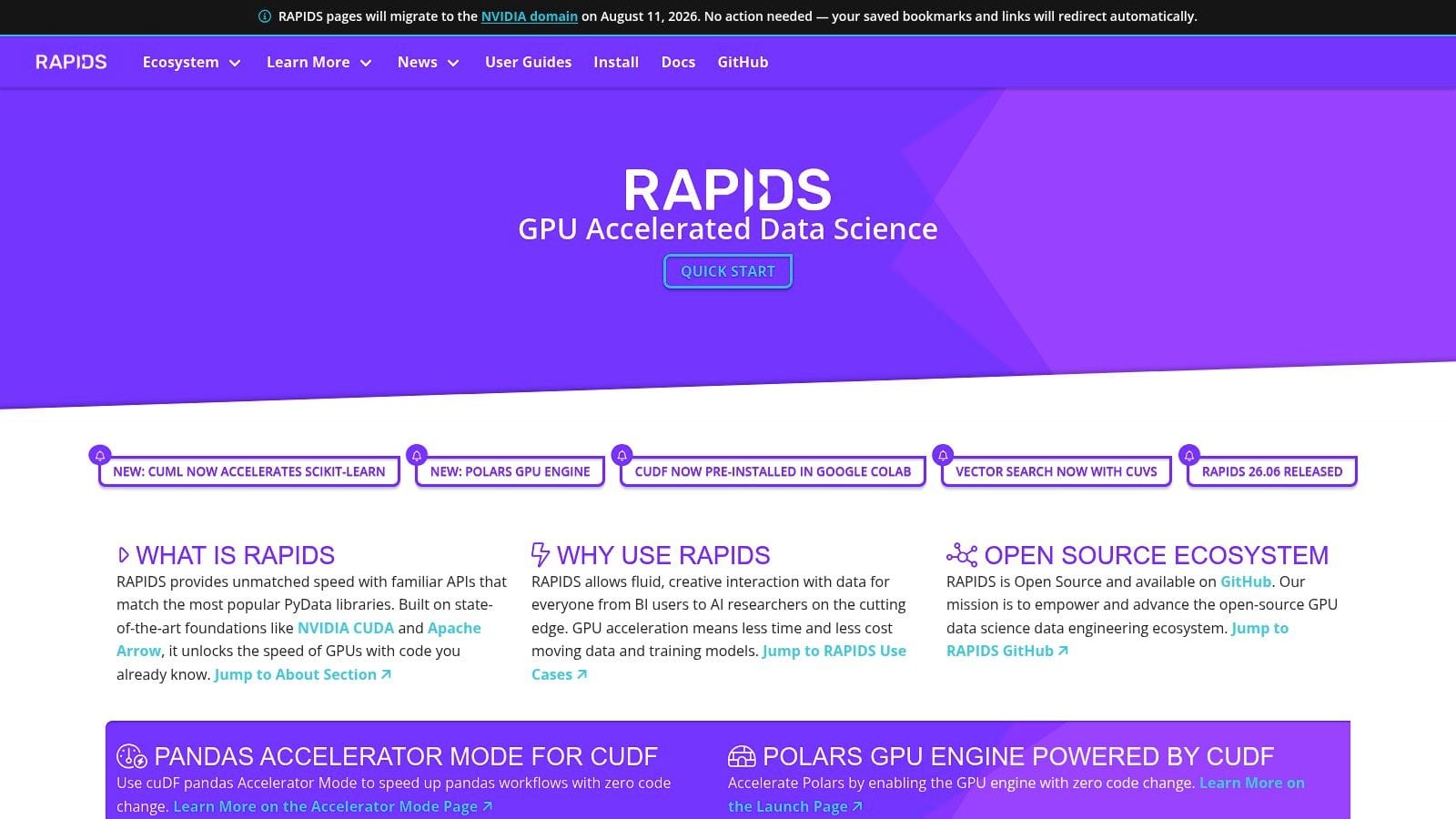
RAPIDS cuGraph is the GPU path for graph analytics, and nx-cuGraph is the bridge for teams that already depend on NetworkX. If your graph work is slow because it is CPU-bound, this is often the most direct way to speed up supported algorithms without rewriting the whole codebase.
The practical value comes in two modes. You can build a GPU-native pipeline with the cuGraph API, or keep NetworkX code and move selected algorithms to the GPU with minimal changes. That makes it useful for teams that want faster iteration on large graphs, but do not want to throw away working Python code (RAPIDS cuGraph docs, nx-cugraph docs).
When GPU acceleration is worth it
GPU acceleration makes sense when the graph is large enough to justify the hardware and when the specific algorithm is supported. That second part matters more than people expect. A backend switch is powerful, but it is not a universal replacement for every NetworkX routine.
A good example is PageRank or shortest-path style work on large graphs that you revisit often during feature engineering or exploratory analysis. In those cases, cuGraph can turn a job that feels like a bottleneck on CPU infrastructure into something much closer to interactive on a GPU machine.
The arithmetic is straightforward. You gain speed on supported workloads, but you also inherit GPU memory limits, data transfer overhead, and a smaller set of algorithms than CPU-first libraries provide. That means cuGraph is strongest for targeted acceleration, especially when the graph fits the hardware and the workload repeats enough to justify keeping data on the device.
For teams already using NetworkX, nx-cuGraph is often the easiest first step. It lets you preserve familiar code paths while moving the expensive parts of the workload onto the GPU, which is a practical fit for analysis pipelines, preprocessing steps for GNNs, and graph scoring jobs that need faster turnaround.
8. Deep Graph Library (DGL)
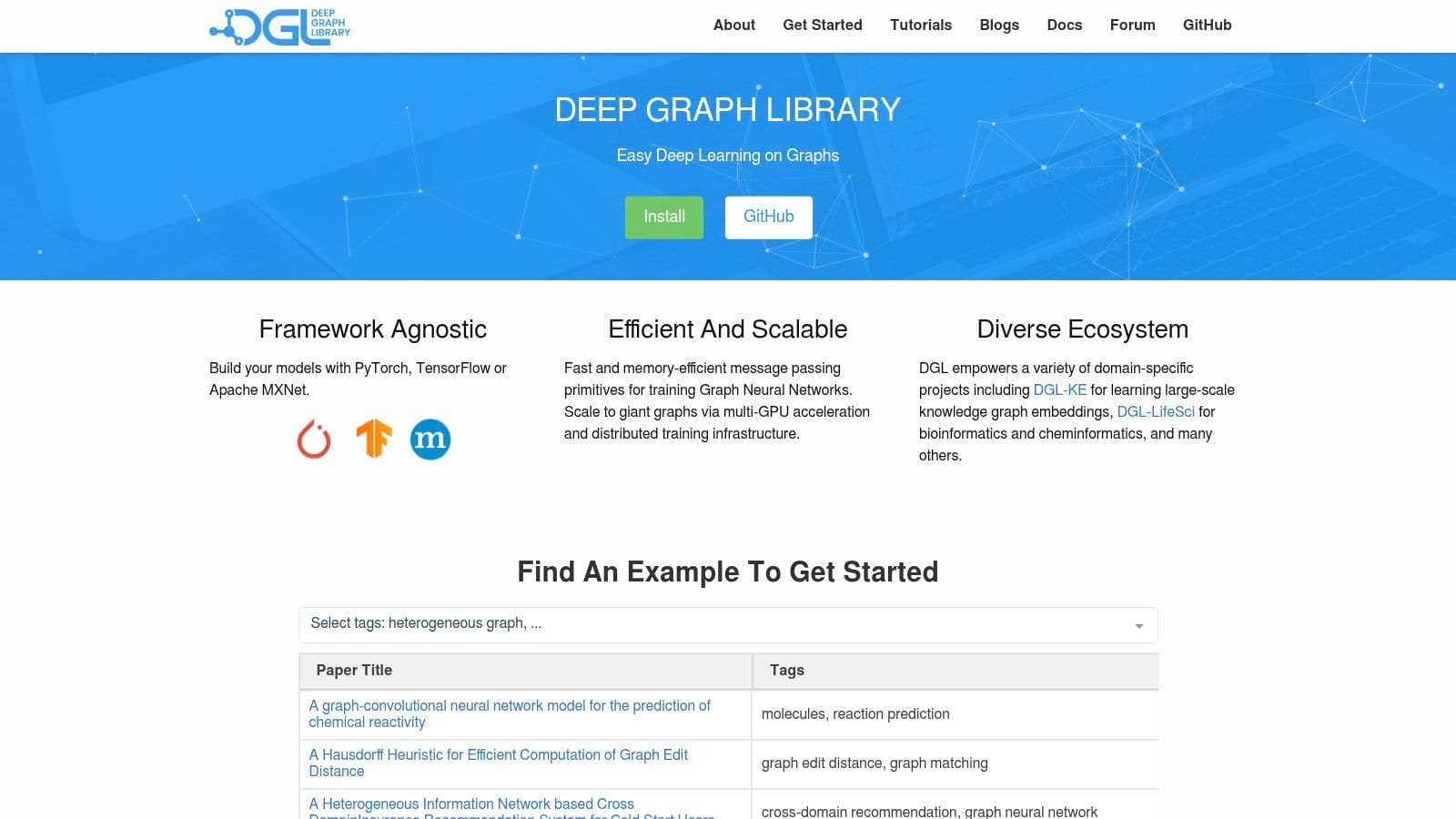
Deep Graph Library, or DGL, is a graph neural network framework, and that specialization is its core strength. If your real goal is training, sampling, and serving GNNs, DGL gives you model-oriented primitives that general graph analytics libraries do not try to provide.
DGL’s strengths are still real. It offers a mature message-passing API, a broad model zoo, and distributed training support through DistDGL, which keeps it relevant for teams that already built around its workflow.
The main caveat in 2026 is maintenance and ecosystem direction. GitHub shows the latest tagged release as v2.4.0 in September 2024, while PyPI still lists 2.2.1 from May 2024, and as of July 2026 the repository shows no commit activity since July 2025 (GitHub release, commit history, PyPI: dgl, DGL docs 2.2.x). Its docs still describe support for PyTorch, TensorFlow, and MXNet, yet Apache MXNet was retired to the Apache Attic in 2023, with the move completed in 2024 (Apache Attic: MXNet, Apache Attic project index). That combination makes DGL look usable, but no longer like the safest default for new builds.
Where DGL still fits
DGL still makes sense when you already have it in production, depend on DistDGL-style distributed workflows, or need a specific feature that matches your existing stack.
If you only need classic graph algorithms, DGL is too heavy. It is also a poor match for teams that want a light analytical library, because its API is aimed squarely at machine learning workflows rather than general graph inspection or ad hoc exploration.
If your graph work ends with embeddings, message passing, or downstream prediction, keep DGL on the long list when you have a concrete reason to use it. Absent that reason, start with PyG.
9. PyTorch Geometric (PyG)

PyTorch Geometric, usually shortened to PyG, is one of the most popular choices for graph neural network research and applied experimentation in Python. If your team already uses PyTorch, PyG often feels like the most natural way to add graph learning to the existing stack.
Its strength is tight integration with the PyTorch ecosystem. PyG gives you a broad set of message-passing layers, dataset utilities, sampling tools, and model patterns that make it easier to move from a paper implementation to a working prototype. For researchers and fast-moving ML teams, that speed of iteration is often the deciding factor (PyTorch Geometric docs, PyPI: torch-geometric).
Where PyG fits best
Use PyG when the workload is clearly GNN-first and the rest of your tooling already points toward PyTorch. It is especially strong for experimentation, custom architectures, and workflows where you want direct control over the training loop rather than a more abstracted graph-learning framework.
The pain point is dependency complexity, especially when CUDA extensions and version compatibility are involved. PyG is also not meant to replace a classic graph analytics library for structural inspection or one-off algorithmic questions.
If your team wants a modern graph deep learning toolkit with a large community and strong PyTorch alignment, PyG deserves a dedicated spot on the shortlist.
PyG also has a clean answer to the persistence question. If your graph already lives in a database, you do not have to export it to disk and rebuild it in memory before every training run. PyG defines an official Remote Backend interface, and falkordb-pyg implements it for FalkorDB through FeatureStore plus GraphStore, so NeighborLoader and LinkNeighborLoader can sample directly from the stored graph while features and topology are fetched lazily instead of materializing the whole graph in memory. The model and training loop stay the same, only the data source changes. The package supports heterogeneous graphs and non-contiguous node ID remapping, which makes the notebook-to-production handoff much more practical for real PyG systems.
# pip install falkordb-pyg
# tested on falkordb-pyg 0.2.1, torch-geometric 2.8.0
import torch
from falkordb_pyg import get_remote_backend
from torch_geometric.loader import NeighborLoader

feature_store, graph_store = get_remote_backend(
    host="localhost", port=6379, graph_name="papers",
)

# node indices to sample from, in PyG's contiguous index space
train_nodes = torch.arange(1000)

loader = NeighborLoader(
    data=(feature_store, graph_store),
    num_neighbors={("paper", "cites", "paper"): [10, 10]},
    batch_size=32,
    input_nodes=("paper", train_nodes),
)
10. scikit-network (sknetwork)
scikit-network is a practical choice for graph machine learning when you want a scikit-learn style API. It works with SciPy sparse matrices and a familiar fit/transform pattern, so it fits naturally into pipelines that already depend on sklearn conventions.
That makes it a good fit for classical graph ML tasks such as clustering, ranking, and classification. The package stays approachable, and it is fast enough for a lot of real workloads without pushing you into a heavier deep learning stack when you do not need message passing or distributed training (scikit-network docs, PyPI: scikit-network).
Where sknetwork makes sense
Use it when you want a clean workflow and you do not want to build graph tooling from scratch. The API is easy to follow for scikit-learn users, and the library sits in a useful middle ground between sparse linear algebra and graph-aware machine learning.
Clustering is one of the areas where that trade-off shows up clearly. If you are comparing clustering approaches for graph data, our comparison of graph clustering algorithms is a useful companion, especially if you want to weigh method choice against graph size, structure, and downstream use.
The main limitation is scope. The algorithm set is smaller than what you get from NetworkX or igraph, and it is not a deep learning framework. That is fine if your workload is classical graph ML, and it becomes a constraint if you need modern GNN stacks.
For teams already using scikit-learn for preprocessing and classification, scikit-network is often the least disruptive way to bring graph features into the same pipeline.
The Same Algorithm, Five Ways
One of the biggest differences between Python graph libraries is not the algorithm, it is the programming model around it. This is easiest to see with one small PageRank example.
The first three variants use different graph objects and APIs. The last two keep the exact same NetworkX call and only change the backend. That is the most concrete version of this guide’s core argument: start with the readable baseline, then swap the engine when scale or hardware demands it.
# pip install networkx igraph rustworkx graphblas-algorithms
# tested on networkx 3.6.1, igraph 1.0.0, rustworkx 0.18.0, graphblas-algorithms 2023.10.0

edges = [(0,1), (1,2), (2,0), (2,3), (3,4), (4,2), (4,5), (5,3)]

# --- NetworkX: pure Python, the baseline ---
import networkx as nx
G = nx.DiGraph(edges)
nx.pagerank(G, alpha=0.85)

# --- python-igraph: C core, its own graph object ---
import igraph as ig
g = ig.Graph(n=6, edges=edges, directed=True)
g.pagerank(damping=0.85)

# --- rustworkx: Rust core, its own graph object ---
import rustworkx as rx
r = rx.PyDiGraph()
r.add_nodes_from(range(6))
r.add_edges_from([(u, v, None) for u, v in edges])
rx.pagerank(r, alpha=0.85)

# --- python-graphblas: same NetworkX call, sparse-linear-algebra engine ---
nx.pagerank(G, alpha=0.85, backend="graphblas")

# --- nx-cuGraph: same NetworkX call, GPU engine (requires NVIDIA GPU) ---
nx.pagerank(G, alpha=0.85, backend="cugraph")
Here is what the four CPU engines actually returned:
| Node | NetworkX | igraph | rustworkx | graphblas |
|---|---|---|---|---|
| 0 | 0.118550 | 0.118550 | 0.118551 | 0.118550 |
| 1 | 0.125768 | 0.125768 | 0.125768 | 0.125768 |
| 2 | 0.220118 | 0.220118 | 0.220117 | 0.220118 |
| 3 | 0.214784 | 0.214783 | 0.214783 | 0.214784 |
| 4 | 0.207565 | 0.207566 | 0.207565 | 0.207565 |
| 5 | 0.113215 | 0.113215 | 0.113216 | 0.113215 |
I ran all four CPU variants in July 2026 on the pinned versions in the comment header. The scores agree across every engine to within 9.3e-7, with the largest per-node spread on node 0. That is convergence-tolerance noise, not disagreement, and it is worth stating precisely: if you compare these outputs with a naive round(x, 4) you will occasionally see a mismatch where a value sits on a rounding boundary. Compare with a tolerance, not with equality.
The more interesting result is the dispatch itself. graphblas-algorithms has not shipped a release since October 2023, and I expected a dependency conflict against NetworkX 3.6.1. There isn’t one — the package sets no upper bound on NetworkX, it installs cleanly, and backend="graphblas" still dispatches correctly almost three years after its last release. A slow release cadence is not the same thing as a broken package, and in this case the distinction is measurable.
If you are choosing between these libraries, this is the practical takeaway. NetworkX is the easiest place to start, igraph and rustworkx ask you to adopt their own graph models, and both GraphBLAS and cuGraph can preserve the same high-level NetworkX call while changing the execution engine underneath.
Top 10 Python Graph Libraries Comparison
| Library | Core language / engine | Parallel CPU | GPU path | Install profile | Latest version signal | Best for |
|---|---|---|---|---|---|---|
| NetworkX | Pure Python | Limited, backend-dependent | Via backends such as nx-cuGraph | Easiest pip install | 3.6.1, Dec 2025 (PyPI: networkx) | Readable graph analysis and prototyping |
| python-igraph | C core with Python bindings | Limited built-in parallelism | No primary GPU path | Usually easy, plotting extras can add dependencies | 1.0.0, Oct 2025 (PyPI: igraph) | Faster in-memory analytics on larger graphs |
| graph-tool | C++ / Boost Graph Library | OpenMP-backed in many workloads | No primary GPU path | Heavy compiled install | Actively maintained, released via the project’s own channels (graph-tool docs) | High-performance statistical network analysis |
| NetworKit | C++ core with Python front end | Yes, multi-core focus | No primary GPU path | Moderate install | 11.2.1, Jan 2026 (PyPI: networkit) | Parallel CPU graph analytics |
| python-graphblas | GraphBLAS backends via Python | Backend-dependent | Possible through GraphBLAS ecosystem, not the default Python path | Moderate install, more technical mental model | 2025.2.0, Feb 2025; graphblas-algorithms last released Oct 2023 (python-graphblas GitHub, graphblas-algorithms PyPI) | Sparse linear algebra driven graph computing |
| rustworkx | Rust core with Python bindings | Limited built-in parallelism | No primary GPU path | Usually easy on wheels | 0.18.0, Jun 2026 (PyPI: rustworkx) | Faster general graph operations with Python ergonomics |
| RAPIDS cuGraph + nx-cuGraph | CUDA / C++ with Python APIs | CPU is not the focus | Yes, NVIDIA GPU | Heavier environment setup | nx-cugraph-cu12 26.6.0, Jun 2026 (nx-cugraph docs, RAPIDS release selector) | GPU-accelerated graph analytics |
| Deep Graph Library (DGL) | C++ / Python GNN framework | Distributed options via DistDGL | Yes, CUDA workflows | Heavier ML stack setup | GitHub v2.4.0, Sept 2024; PyPI 2.2.1, May 2024; repo inactive since July 2025 (GitHub release, PyPI: dgl) | Existing DGL deployments and distributed GNN use cases |
| PyTorch Geometric (PyG) | PyTorch extension stack | Sampling and training parallelism via PyTorch stack | Yes, CUDA workflows | Moderate to heavy, version-sensitive | 2.8.0.post1, Jul 2026 (PyPI: torch-geometric) | New PyTorch-based GNN work |
| scikit-network (sknetwork) | Python with SciPy sparse foundations | Limited | No primary GPU path | Lightweight pip install | 0.33.5, Nov 2025 (PyPI: scikit-network) | Classical graph ML in sklearn-style pipelines |
Build Your Graph-Powered Future
The right Python graph library depends on the job, not the brand. NetworkX is still the best default for readability and exploration. python-igraph, graph-tool, NetworKit, python-graphblas, and rustworkx earn their place when the workload is more about performance and large-scale analysis. cuGraph, DGL, PyTorch Geometric, and scikit-network belong in the graph ML lane, where the question is no longer just “what is connected to what,” but “what model should learn from those connections.”
The cleanest decision framework is to start with the workload category. Use Analytics tools when the graph itself is the thing you need to understand. Use Performance tools when the graph is large enough that algorithmic overhead starts to distort the workflow. Use ML tools when edges and nodes are features for a predictive system rather than the final output. That framing keeps teams from overbuying complexity or underestimating compute cost.
The other decision is storage. In-memory libraries are fast and flexible, but they’re not a substitute for a persistent graph layer when the application has to survive restarts, support multiple users, or feed downstream AI systems. That’s where a database like FalkorDB fits naturally. Python can do the modeling and experimentation, while a graph database keeps the relationships available for retrieval, agent memory, graph analytics, and production GraphRAG workflows.
If you’re prototyping, start with NetworkX. If you’re hitting a wall on size or speed, move to igraph, graph-tool, NetworKit, or rustworkx depending on the constraints. If your next step is graph neural networks, go straight to PyG or DGL. If your pipeline needs GPU acceleration, test cuGraph early. The worst outcome is usually not choosing the “wrong” library, it’s choosing a library that makes the team fight the workload instead of solving it.
Choose the graph layer that matches the problem, keep the persistent backend in mind, and build the smallest system that can still grow with your data. If your team is evaluating how Python analysis code connects to production graph storage, take a close look at FalkorDB and map one real workflow from notebook to deployment before you standardize on a stack.
Ready to scale your graph workflows beyond in-memory scripts? Explore FalkorDB, Inc. to power production GraphRAG, AI agents, and persistent graph applications.
FAQ
Which Python graph library is fastest?
There is no single fastest option for every workload. For readable general analysis, NetworkX is the easiest baseline, but it is usually not the fastest on large graphs. For CPU-heavy analytics, graph-tool, NetworKit, python-igraph, and rustworkx are typically stronger choices. For GPU acceleration on supported algorithms, RAPIDS cuGraph can be the fastest path when the graph fits GPU memory and the workload justifies device transfer overhead.
Is DGL still maintained?
DGL remains usable, especially in existing deployments, but its maintenance signal is weaker than that of faster-moving alternatives. As of July 2026, the latest tagged GitHub release is v2.4.0 from September 2024, PyPI lists 2.2.1 from May 2024, and the repository shows no commit activity since July 2025. That does not make DGL unusable, but it does make PyTorch Geometric the safer default for many new GNN projects.
Do I need a graph database if I’m using NetworkX?
Not always. NetworkX is excellent for prototyping, exploration, teaching, and smaller in-memory workloads. But if the graph must survive restarts, support multiple users, power application queries, or feed production AI systems, an in-memory library is not enough by itself. In that case, a graph database such as FalkorDB gives you persistence, concurrent access, and a cleaner path from notebook experiments to deployed graph applications.
When should I move beyond NetworkX?
Move beyond NetworkX when graph size, runtime, or repeated computation starts to slow down the workflow. A common pattern is to prototype with NetworkX first, then switch to python-igraph, graph-tool, NetworKit, rustworkx, python-graphblas, or cuGraph once the graph or algorithm profile makes pure Python overhead too expensive.
References
-
Python Wiki. Python Graph Libraries. https://wiki.python.org/moin/PythonGraphLibraries
-
NetworkX. Release notes for NetworkX 3.0. https://networkx.org/documentation/stable/release/release_3.0.html
-
PyPI. networkx. https://pypi.org/project/networkx/
-
PyPI. igraph. https://pypi.org/project/igraph/
-
python-igraph documentation. https://python.igraph.org/en/stable/
-
graph-tool documentation. https://graph-tool.skewed.de/
-
graph-tool installation guide. https://graph-tool.skewed.de/installation.html
-
NetworKit documentation. https://networkit.github.io/
-
PyPI. networkit. https://pypi.org/project/networkit/
-
python-graphblas GitHub repository. https://github.com/python-graphblas/python-graphblas
-
PyPI. graphblas-algorithms. https://pypi.org/project/graphblas-algorithms/
-
rustworkx documentation. https://www.rustworkx.org/
-
PyPI. rustworkx. https://pypi.org/project/rustworkx/
-
RAPIDS cuGraph documentation. https://docs.rapids.ai/api/cugraph/stable/
-
nx-cugraph documentation. https://docs.rapids.ai/api/nx-cugraph/stable/
-
RAPIDS release selector. https://docs.rapids.ai/releases/
-
DGL GitHub release v2.4.0. https://github.com/dmlc/dgl/releases/tag/v2.4.0
-
DGL GitHub release v2.2.1. https://github.com/dmlc/dgl/releases/tag/v2.2.1
-
DGL commit history. https://github.com/dmlc/dgl/commits/master
-
PyPI. dgl. https://pypi.org/project/dgl/
-
DGL docs 2.2.x. https://www.dgl.ai/dgl_docs/en/2.2.x/
-
Apache Attic. MXNet. https://attic.apache.org/projects/mxnet.html
-
Apache Attic project index. https://attic.apache.org/projects-index.html
-
PyTorch Geometric documentation. https://pytorch-geometric.readthedocs.io/en/latest/
-
PyPI. torch-geometric. https://pypi.org/project/torch-geometric/
-
PyTorch Geometric Remote Backend tutorial. https://pytorch-geometric.readthedocs.io/en/latest/advanced/remote.html
-
PyPI. falkordb-pyg. https://pypi.org/project/falkordb-pyg/
-
PyPI. scikit-network. https://pypi.org/project/scikit-network/
-
scikit-network documentation. https://scikit-network.readthedocs.io/
-
FalkorDB. Beyond in-memory graph workflows with FalkorDB. https://www.falkordb.com/blog/beyond-in-memory-graphs/
-
FalkorDB. Graph Neural Networks and LLM integration. https://www.falkordb.com/blog/graph-neural-networks-llm-integration/
-
FalkorDB. Comparison of graph clustering algorithms. https://www.falkordb.com/blog/graph-clustering-algorithms-comparison/
-
FalkorDB, Inc. https://www.falkordb.com
